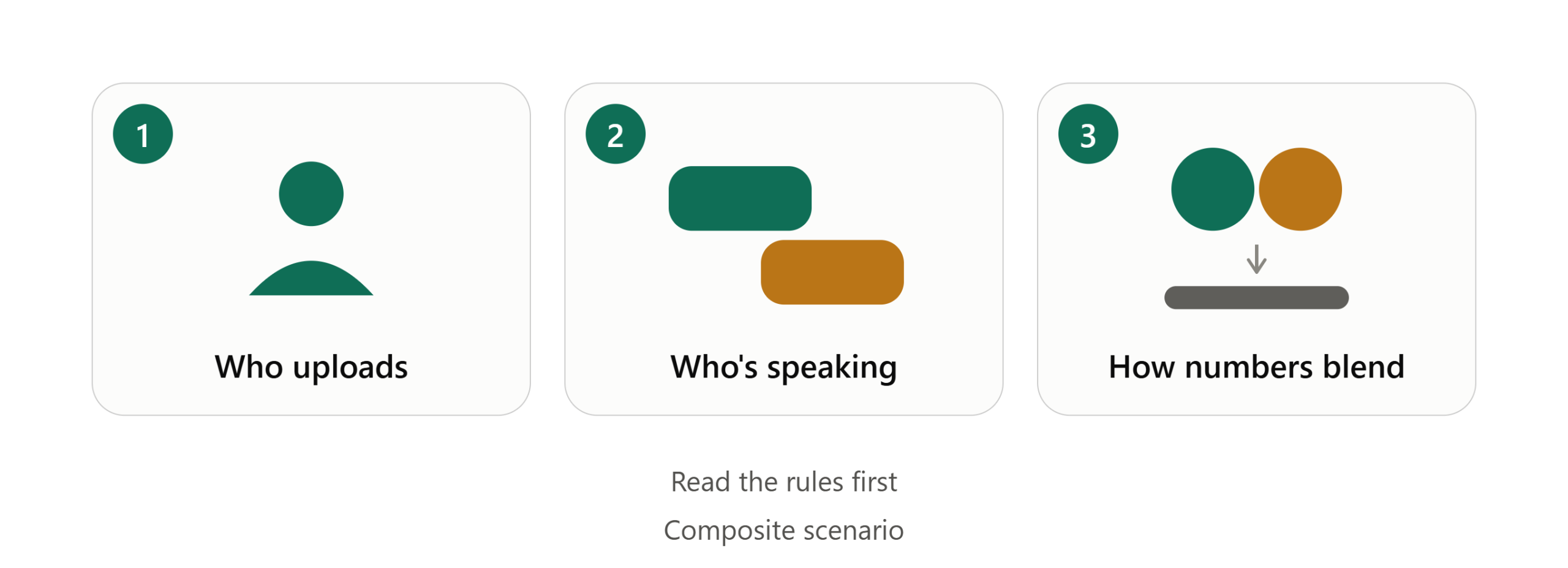
A composite scenario. This story is illustrative, built from how EOS actually works. It isn’t a report on a specific customer, and its quotes and examples are illustrative, not verbatim.
The VP of Sales at a hotel management company had a straightforward plan.
His team sold conference space, group room blocks, and corporate rate agreements to meeting planners and travel managers. They were good on the phone. But he had no systematic way of knowing whether the facts they stated on calls, such as capacities, food-and-beverage minimums, cancellation windows, and attrition clauses, matched what the group had approved.
EOS, the platform they already used for practice, could also score recordings of real calls that someone uploaded. The plan was simple: managers would collect recordings from their teams and upload them, so the sales leader could see what was being said on calls across the properties.
That plan would have filed every call under the wrong person. They found out before the first upload.
The almost-mistake: who uploads decides whose call it is
The VP’s first instinct was the natural one. Managers already collected recordings for coaching. Why not have them upload those, so EOS could score them and flag claim errors?
The answer was in the product’s attribution rule: a call is always filed under the person who uploaded it. There is no “upload for this rep” control. If a manager uploads a recording of a rep’s call, the session appears under the manager’s name. The rep doesn’t see it as their own, and it doesn’t appear in that rep’s rows. Attribution follows the uploader, not the voice on the recording.
The plan had a second flaw. The upload is a file picker: one file at a time, mp3, wav, m4a or mp4, up to 500 MB, with no bulk upload. “Upload in batches” wasn’t an option. And a call’s date in the sessions list is the day it was uploaded, not the day it happened, so a manager’s batch would have shown up as a single day.
If the group had gone ahead, the transcripts and verdicts would have existed. Owners, admins, and trainers can open every uploaded call. But every call would have been filed under the managers. The reps would have had no view of their own real calls, and the per-rep picture the VP wanted would have been wrong from the first upload.
They caught it before the first file. The workflow changed: each rep uploads their own calls, one at a time.
The second consideration: two voices, and a guess about which is which
The group’s calls often involved more than two people. A meeting planner might loop in a colleague from procurement. An internal event manager might join to confirm logistics.
EOS expects two voices. It doesn’t ask you to mark which one is the rep and which is the customer. It works that out automatically from the words, deciding who sounds like the customer (asking, reporting a problem) and who sounds like the rep (helping, explaining). That’s a guess. Nobody can correct a label afterward, and the report doesn’t warn when a label is shaky.
A third voice isn’t a supported case. Those words may be folded into one of the two speakers, or attached to the previous speaker’s turn, which can pull a colleague’s or a customer’s statements into the rep’s score.
The group briefed reps to keep calls to two voices where possible, and to flag any call where a third person joined, so the manager would know to read the transcript and not trust the speaker labels at face value.
Before the first file: the questions the product doesn’t answer
One more step came before the pilot, and it had nothing to do with the product. The group’s legal and privacy teams worked through recording consent, personal data in transcripts, and deletion and retention for calls with meeting planners. EOS doesn’t answer those questions, and neither does a guide to using it. The pilot didn’t start until those answers existed.
What the first weeks of uploads revealed
The group ran the upload workflow with a small pilot team across a few properties. Four things stood out.
1. The claim errors were in the fine print, and in what was being checked against. Claims are checked against approved products only, so the group had approved products for its properties and packages, with their terms: cancellation windows, food-and-beverage minimums, and attrition terms. The typical Incorrect and Partially Correct verdicts weren’t dramatic. Illustrative examples: a cancellation window stated as 30 days when the approved terms said 45; a food-and-beverage minimum quoted at the wrong threshold; an attrition clause described as “flexible” when the terms carried a specific penalty. These were details a manager listening casually would miss.
It also showed what the check is not. EOS didn’t compare a rep’s words to a particular client’s signed contract or event order, only to the approved product information behind the catalog. Anything specific to one deal still needed a person reading it.
One call also came back with a cluster of Unsupported verdicts on a single property’s banquet menu. EOS wasn’t wrong. The banquet-menu product was still waiting for approval, and claims about a product that isn’t approved tend to come back Unsupported. The group added “is the product approved?” to the checklist for any cluster of Unsupported verdicts.
2. The speaker labels were a guess the group could only check by reading. Nothing in the report confirms a label, so the only check was reading the transcript. On the calls where a third voice joined, the warning applied: the labels couldn’t be trusted.
3. Real calls and practice sessions blended into the same numbers. The VP assumed he could look at a separate real-call pass rate. He couldn’t. A real call that receives a soft-skill score counts toward the same pass rate, team average, and needs-attention flags as practice, and it counts as activity, which can clear an inactivity flag. There’s no filter for uploaded calls only, and no view that puts one rep’s practice and real-call results side by side. Criteria written with roleplay in mind were still scored on real calls, because uploads use the same criteria sets as practice.
The group didn’t treat the blend as an advantage. They treated it as a caveat: the pass rate was a mix, not a real-call-only view, and not a measure of readiness. The sessions list does show a Real Call badge where a practice persona’s name would be, so managers scanned for it when they wanted to look at real calls on their own.
4. Some uploads went quiet. A very short call appeared with a transcript and no score, and nobody could score it by hand; it didn’t move the pass rate. A failed transcription was worse: if the file couldn’t be read or the transcript came back empty, no session was created and nothing said so. The rep saw only the first message that scoring would run in the background, and then the call never showed up. The group made it a habit: after uploading, a rep checks that the call appears in their sessions list. A missing call has to be noticed.
Before you upload your first real call, read the mechanics. Our 12-page report, Beyond Roleplay: The Rise of the Sales Knowledge Engine, covers claim extraction, fact-grounded verification, and the questions worth asking any vendor about how real conversations are evaluated. [Download the whitepaper →]
“We almost set this up so managers uploaded everything. Every call would have been filed under the wrong name. The most important decision we made was reading the rules before the first upload.”
What the numbers can and can’t show
The group’s own read of the first weeks was cautious. They could see which kinds of claims came back Incorrect or Partially Correct, which reps’ sessions they came from, and which sessions were real calls. They couldn’t isolate a real-call pass rate, couldn’t see a rep’s real calls beside their practice, and had no measured accuracy figure for verdicts to lean on. A verdict was a prompt to read the transcript, not a finding.
That was enough for what the VP actually wanted: a readable account of what reps said on real calls, filed under the right person, that a manager could open and check.
Why the “before” matters more than the feature
The hotel group didn’t discover anything new about AI. They discovered how the product works, and that changed their workflow before it produced a single misfiled call.
The real-call upload is simple to use: pick a file, upload, get a report. But three things decide whether that report is useful: who uploaded the call, whether the speaker labels can be trusted, and whether the catalog was approved before the upload.
The takeaway for sales leaders
If you’re about to turn on real-call uploads for your team, understand three mechanics before the first file is chosen.
Attribution follows the uploader. Each rep uploads their own calls, one file at a time. A manager who uploads on a rep’s behalf creates a session that belongs to the manager.
Speaker labels are a guess. EOS works out who is the rep and who is the customer from the words, and it expects two voices. With three or more, the labels may pull the wrong statements into the rep’s score. Read the transcript.
Real calls and practice share the same numbers. A scored upload counts toward the same pass rate and needs-attention flags as practice. The pass rate is a blend, not a real-call view and not a readiness measure.
And settle consent and data questions with your own legal and privacy teams first. Knowing all of this before the first upload does more for a VP of Sales than any feature list.
Uploading a real call is easy. Reading it correctly takes three facts. EOS scores the recordings you upload against your approved product knowledge, but who uploads, who the labels think is speaking, and how pass rates blend are things to understand first. Start free with up to 5 seats at app.akaeos.com, or [download the full whitepaper].
Leave a Reply