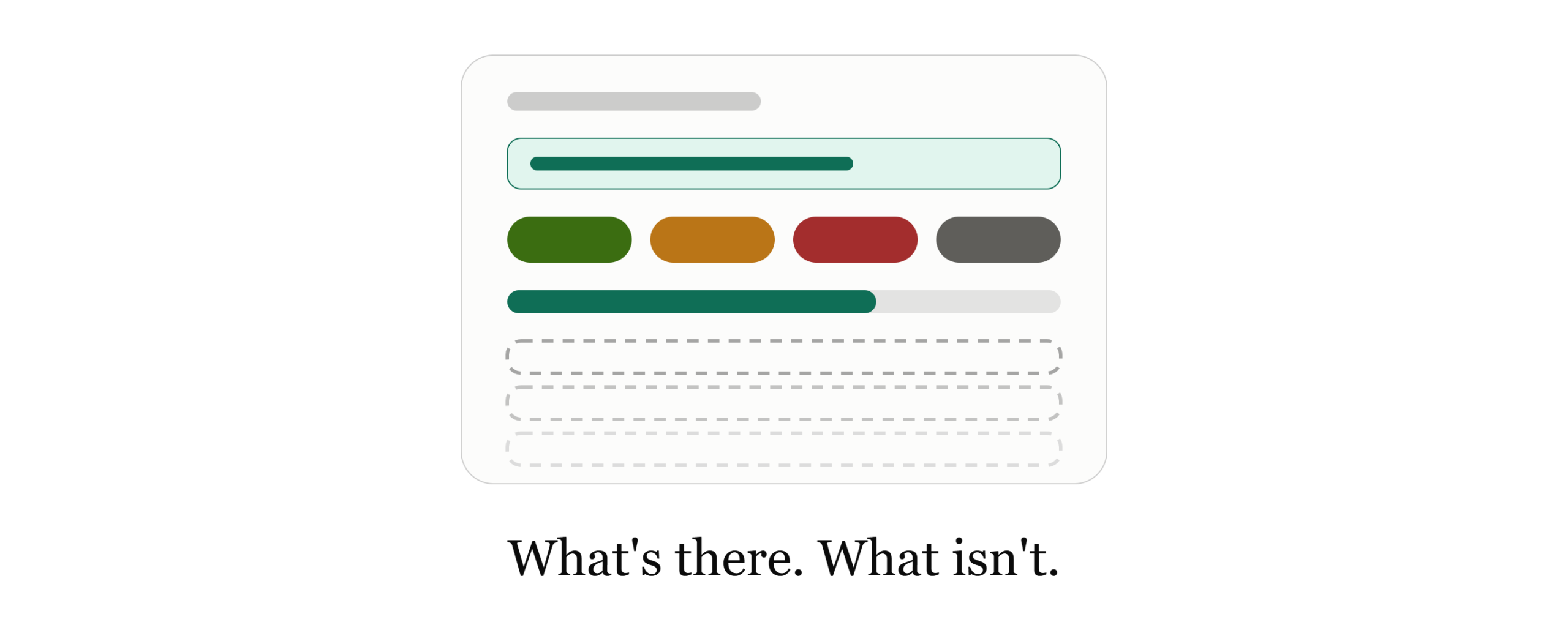
When a compliance officer looks at an AI sales tool, the first question is usually simple: if something goes wrong on a call, what can I go back and look at?
This post answers that for EOS as of November 2026. It covers what is recorded, who can open it, and where the record is thinner than you may want. Use it as a checklist for your own review. It makes no claim about consent, retention or certifications; those belong in a conversation with us and your legal and security teams.
What you can open and read today
Owners, admins and trainers can open every session and report in the organization. A trainee sees only their own sessions and quiz attempts.
A report holds:
- the transcript of the session or uploaded call
- soft-skill scores, with an assessment for each criterion
- each factual claim the rep made, with a verdict (Correct, Partially Correct, Incorrect or Unsupported) and the reasoning behind it
Where a recording exists, it can be played from the report. Owners and admins can also open every team member’s quiz attempts.
Removing a person takes away their access, not their history. Their sessions, claim verdicts and quiz attempts stay, and owners, admins and trainers can still open the sessions.
What can’t be edited, and what can
From the product screens, nobody can edit a session score, a claim verdict or a transcript line.
One thing can be changed: an owner or admin can override a quiz grade. The attempt keeps the original automatic result, shows an “overridden” mark, and names the account that made the change. It does not show when. A second override replaces the name and keeps the first automatic result as the “original,” and there is no history of the overrides in between. Trainees cannot override a grade.
That is a small, visible exception, not a full change log. It is worth knowing how narrow it is.
Evaluating AI sales tools for a regulated team? Our 12-page report, Beyond Roleplay: The Rise of the Sales Knowledge Engine, explains claim extraction and fact-grounded verification, and the questions to put to any vendor. [Download the whitepaper →]
What happens when a session is evaluated again
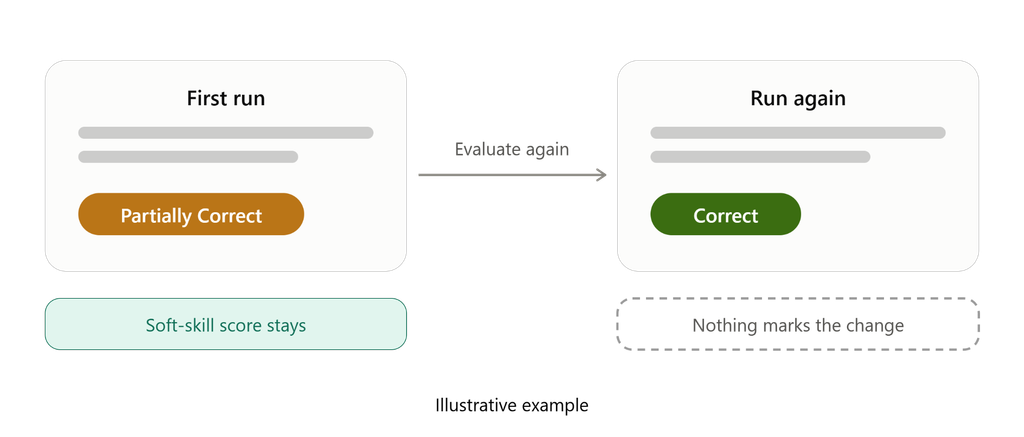
Running Evaluate again does not replace a soft-skill score that is already there. It does replace the product-knowledge result, including every claim verdict, and the report does not mark that anything was replaced.
If the new score is low enough to trigger a remedial quiz, the quiz from the earlier run is replaced too, along with the attempts on it.
Editing an approved product does not re-score past sessions. A past report keeps its claim text, verdict, reasoning and evidence as stored, unless someone re-runs the product-knowledge check on that session. One detail to watch: the product name shown on a claim follows the product as it is now. A renamed product can show its new name on an old report, and a deleted product’s name drops off while the verdict stays.
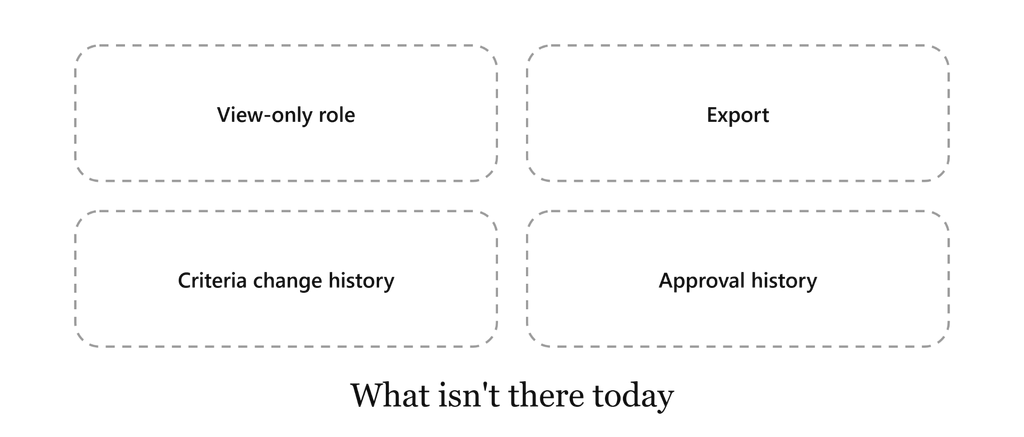
These gaps matter most to a compliance reader, so we list them plainly.
- No view-only role. The roles are owner, admin, trainer and trainee. Owners, admins and trainers can see broadly, but every role, including a trainee, can edit the evaluation criteria.
- No export. There is no CSV, JSON or PDF of sessions, reports or quiz attempts, no print view and no transcript download.
- No change history for criteria. Edits to evaluation criteria are not logged. An old soft-skill report shows a criterion as it is worded now, and deleting a criterion removes that line from past reports. Treat criteria as working text, not as controlled documents.
- No approval history. A product has one current status (Pending, Approved or Rejected). EOS does not keep who approved, rejected or edited it, or when.
- No separate disclosure check. You can write a criterion such as “mentions the required disclosure,” and it will be scored like any other soft-skill criterion. It is not a dedicated check.
- Sign-in is basic. People sign in with email and password or with Google, and joining an existing organization takes an invitation. Sign-in is not limited to a company domain, and EOS does not manage multi-factor authentication.
How consistent the verdicts are
Scoring the same call twice can produce a different verdict, because EOS does not lock the model’s output.
One safeguard is built in: if a claim has no supporting evidence, a Correct, Partially Correct or Incorrect verdict is shown as Unsupported instead. That stops an evidence-free “correct,” but it does not make two runs agree.
We also have no measured accuracy rate for verdicts: no labeled set of real calls and no precision or recall figure. Read a verdict as a prompt for human review, not as a finding.
Questions to ask any vendor, and our answers today
Here are six questions worth putting to any AI sales tool, with where EOS stands.
Can anyone edit scores or verdicts after the fact? Not from the product screens. Owners and admins can override a quiz grade, and the original result is kept.
Is every change logged with who and when? No. A quiz override names the account but not the time. Criteria edits and product approvals are not logged.
Can I export the record? No.
Is there a view-only role for reviewers? No. Every role can edit evaluation criteria.
If a check is run again, what happens to the earlier result? Soft-skill scores stay. The product-knowledge result is replaced, with no notice on the report.
Is there a measured accuracy rate? No. The same call can produce a different verdict.
Questions about consent, retention, certifications and data handling are real and important. They need a direct conversation with us and with your own legal and security teams, not a paragraph in a blog post.
The takeaway
EOS gives a compliance reader something concrete to open: a transcript, a verdict and reasoning for each claim, and scores. It does not give a controlled record. There is no export, no auditor role and no change history, and re-running a check can replace a verdict without a trace.
If your review needs a record that cannot change and a log of who changed what, EOS is not there today, and we would rather tell you now than have you find out later. If what you need is a readable account of what reps claimed and how each claim was judged, open a report and see whether it answers your questions.
This post describes EOS as of November 2026.
Read the framework behind these questions. Our 12-page report, Beyond Roleplay: The Rise of the Sales Knowledge Engine, covers claim extraction, fact-grounded verification, and the questions worth asking any vendor about how it checks what reps say. [Download the whitepaper →]

Leave a Reply